Using Next.js in a Legacy Apache Environment
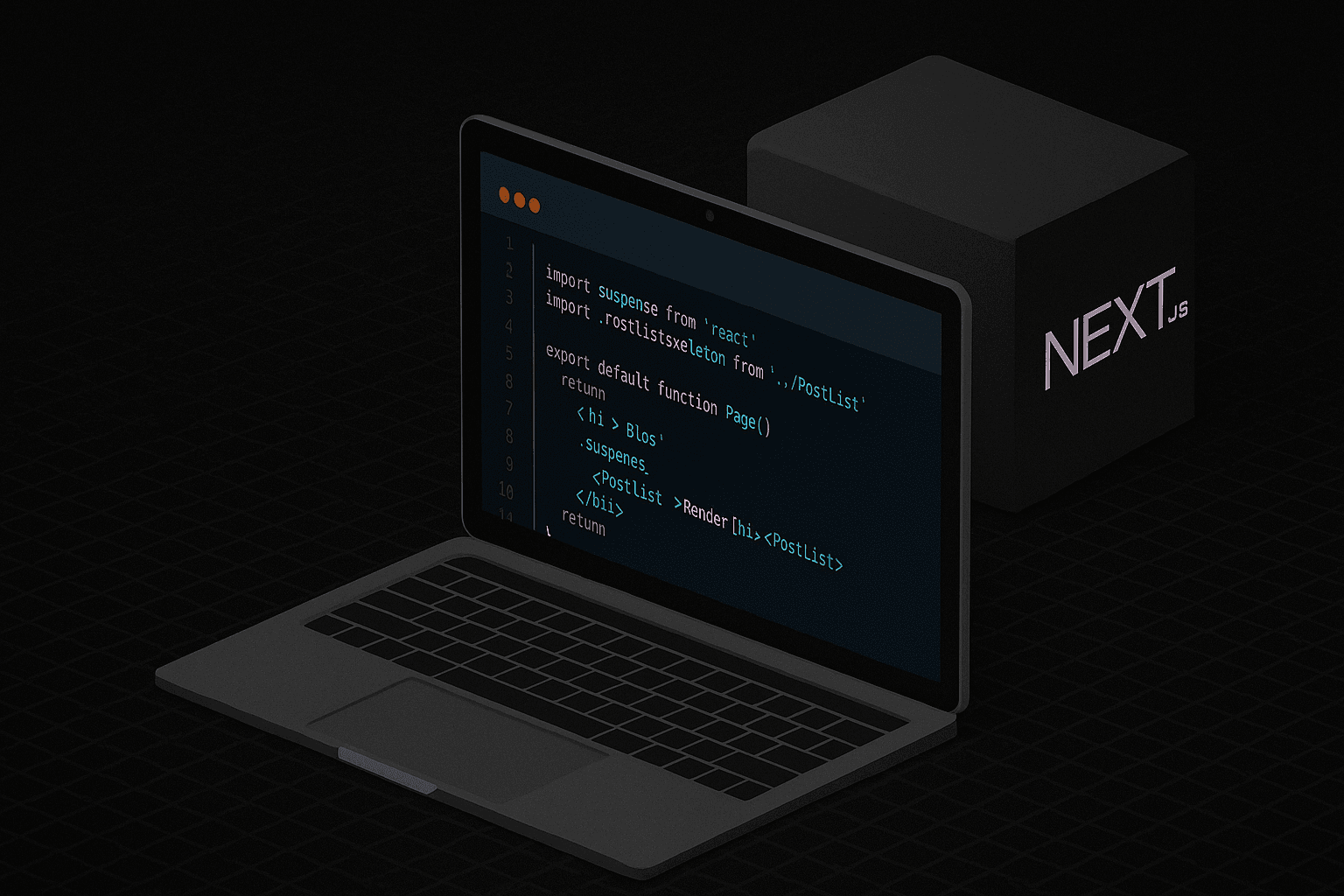
Earlier this year, I helped launch a new landing page for FUJIFILM’s Life Sciences division. We built the landing page with Next.js. Next.js gave us a fast, production ready React setup out of the box.
Tailwind for Fast, Responsive Styling
For styling, Tailwind CSS was the perfect fit. Its utility-first approach made it quick to build and adjust component layouts, ensuring the design stayed clean and responsive across all devices. Tailwind also helped keep the CSS lightweight, which is important when every kilobyte counts for loading speed.
Server-Side Rendering (SSR)
Next.js makes it easy to render pages on the server using server-side rendering (SSR). This allows pages to be generated dynamically on each request, and with proper configuration, SSR can take advantage of caching to improve performance.
Real Image Optimization with <Image />
Using Next.js’s <Image /> component, we automatically served modern formats like WebP, lazy-loaded images for improved performance, and dynamically adjusted image sizes based on the user’s device, further optimizing page load times.
Navigating Legacy Hosting with Apache
One unique challenge was the hosting environment. Our server was running Apache, so at first, we opted to use a static export. Since Next.js supports this static export, it can be deployed and hosted on any web server that can serve HTML/CSS/JS static assets. The main caveat was that SSR and image conversion to webp don't work with a static export.
Upgrading with a Node.js Reverse Proxy
We set up a Node.js server and configured a reverse proxy. This setup allowed Apache to forward incoming requests to the Node.js server running our Next.js app enabling features that require a server like Next.js' built-in image optimization and server components. Serving the page dynamically through a Node.js server, enabled real-time image optimization and smarter caching resulting in quicker load times.
Related Posts
Building Aurora Art Hub: From Starter Template to Creator Platform
A creator platform for artists to publish and manage their work.

CI/CD with GitHub Actions

Self-hosted runners across staging and production servers
Easy Auth in React
Two quick ways to add auth in React without building from scratch
Before You Go Live

When planning skips compliance, marketing, and data security.
WordPress Migration Checklist

Follow This Checklist for WordPress Site Migrations
Introducing My Blog Built with Contentful

Integrating Contentful With Next.js